Setup: Edit Actions for P2P
In this doc you can find instruction on how to do the initial setup to allow users to edit their action in CS P2P.
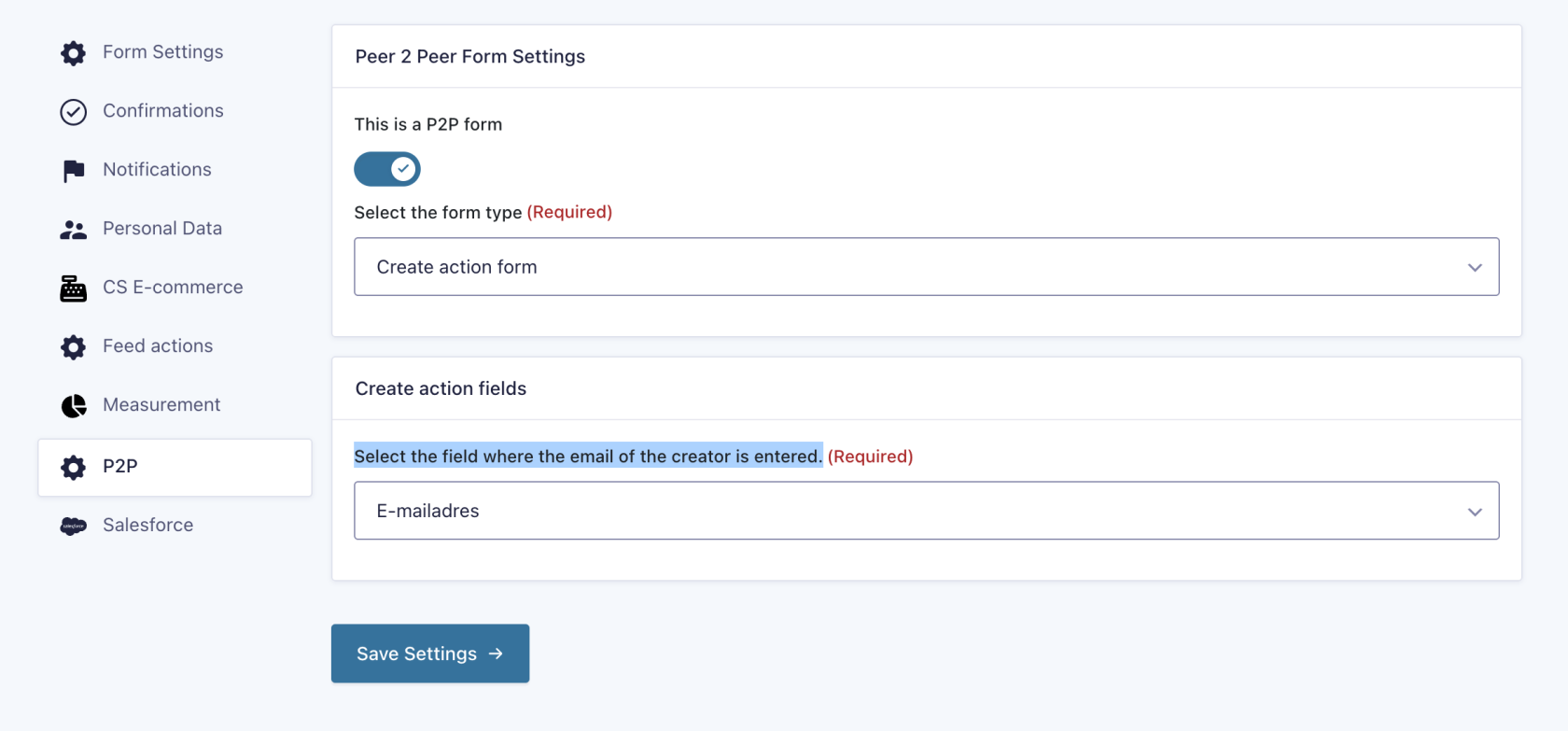
Update the create action form
Go to Settings > P2P on the gravity form that used to create the Actions.
- Turn on the
`This is a P2Ptoggleform`form - In the
"Select the formselecttype"type"Create actionform"form - The
"Create actionsection should appear. Select a field in thefield"field"Select the field where the email of the creator is entered.dropdown. This is most likely"athe email field in the form.
Authenticate form
This is the form that is used to authenticate the user by entering the email that they have used to create the action. This looks up the entry and checks the field selected in the previous step to determine if the user has entered the correct email. Create a new form and add at least one field that matches the field selected in the previous step (probably an "email" field).
If properly setup, this form checks the entered field against the field that is used to create an action. If an email is entered that doesn't match, the entry is marked as spam and all action & notifications are disabled. The confirmation is not changed, so a user can't see if a correct value is entered based on the confirmation.
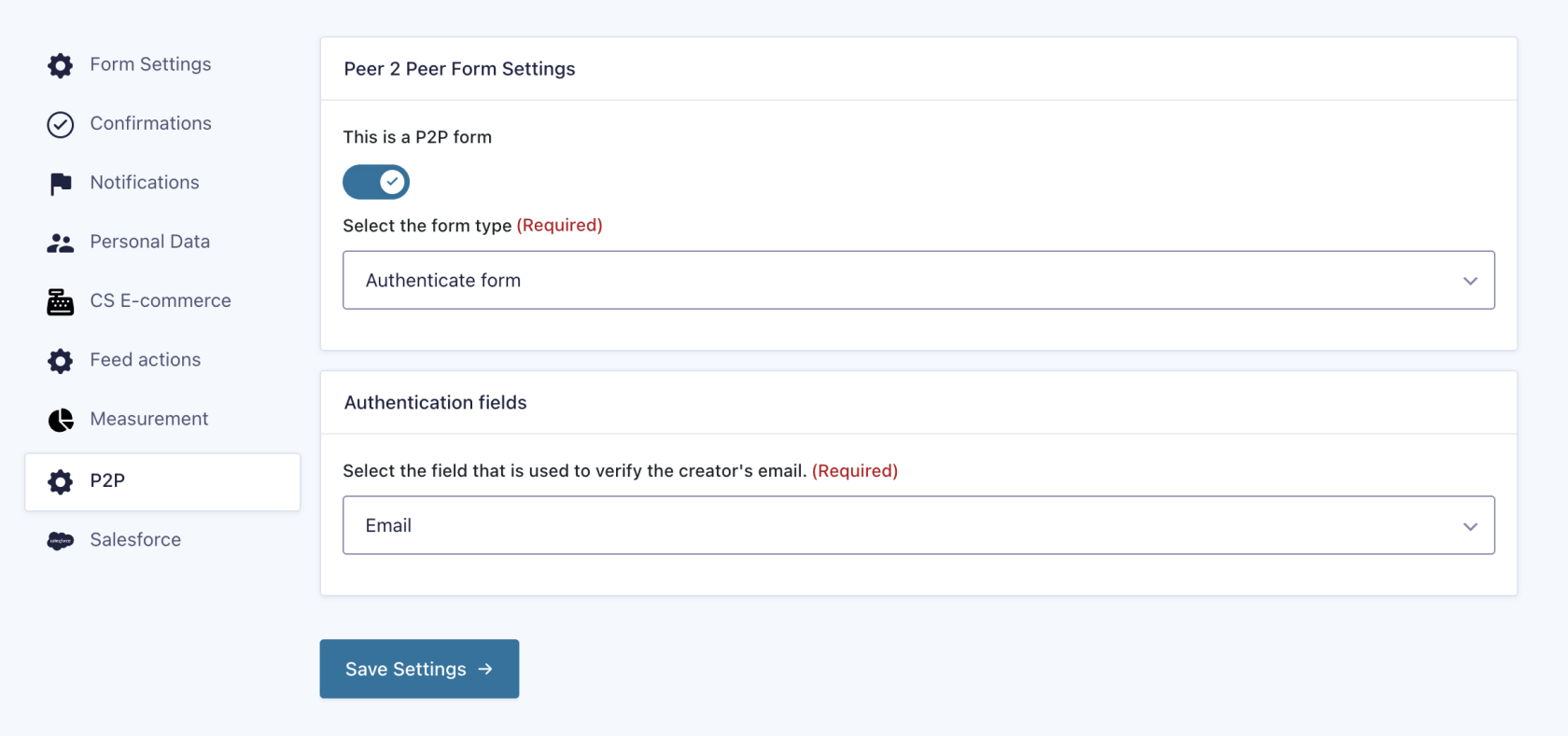
To set thisup upthe form go to Settings > P2P on the gravity form that used to create the Actions.
- Turn on the
"This is a P2Ptoggleform"form - In the
"Select the formselecttype"type"Authenticateform"form - The
"Authenticationsection should appear. Select a field in thefields"fields"Select the field that is used to verify the creator's email.dropdown. This is most likely the only field in the form."
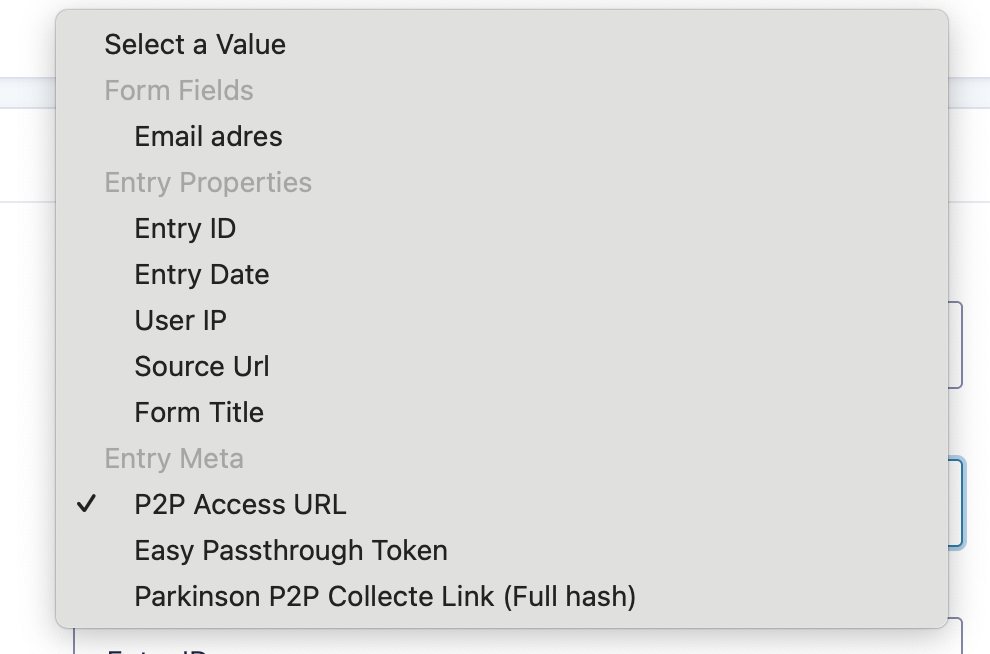
If a user successfully authenticates the P2P Access URL meta field is filled with the full URL that gives access to the edit form. This meta field can be used in custom (feed) actions to send to the user.